 BuildAxis
 One place to work
Run core project workflows without jumping between systems and spreadsheets.
Run documents, RFIs, claims, defects, safety and communication from one shared project record.
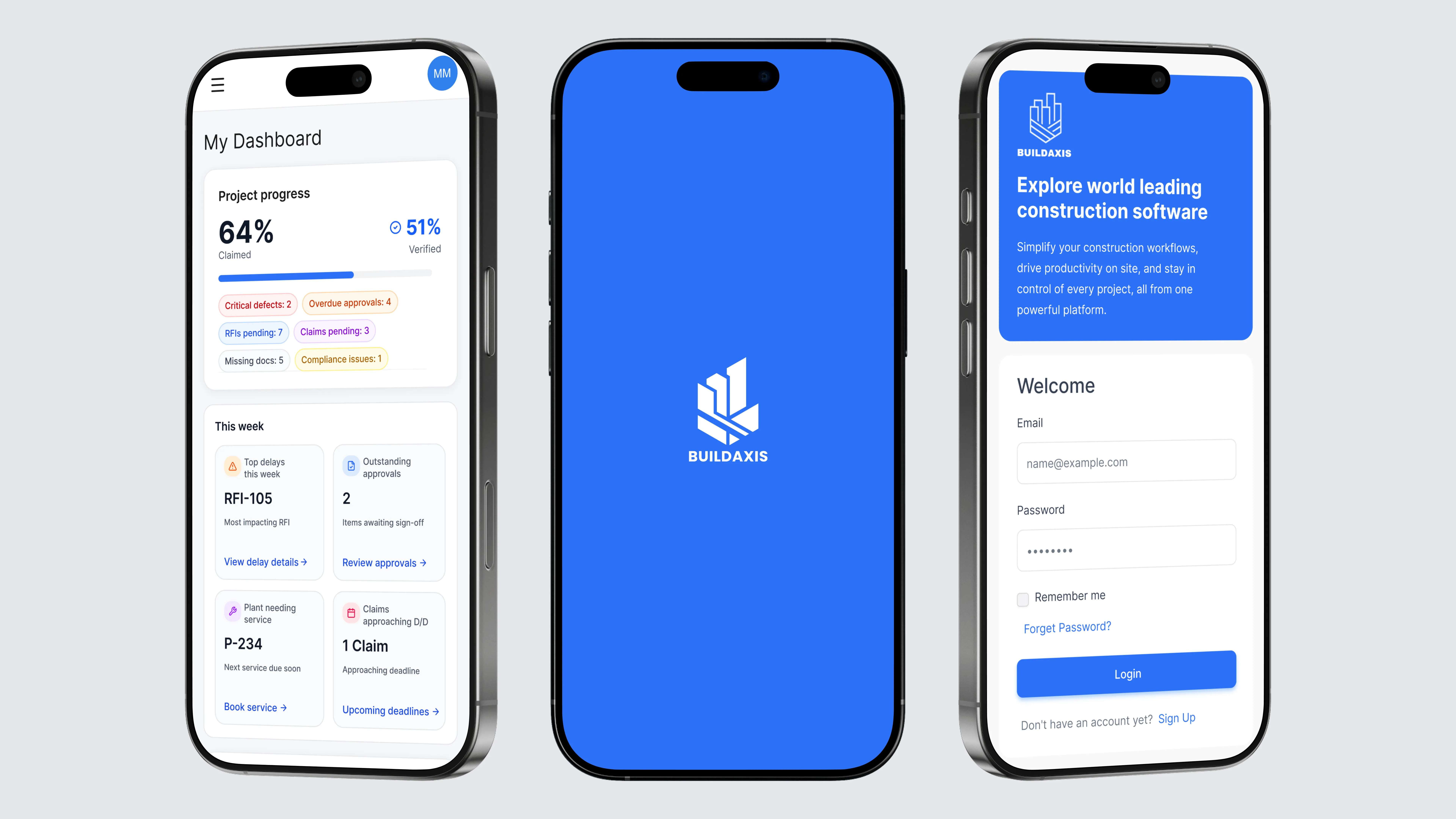
Replace disconnected software, spreadsheets and inboxes with one structured project record, with clear ownership from capture to closeout.
Run core project workflows without jumping between systems and spreadsheets.
Give everyone the information and actions they need, wherever they work.
Summarise, draft and surface actions without manually reviewing every record.
Capture issues, access project information and close actions from the field.
Each BuildAxis module handles a specific part of project delivery while remaining connected to the same people, records, evidence and activity history.
Control drawings, revisions, RFIs and approvals from one traceable record. Know what’s current, what’s outstanding and who owns the next action.
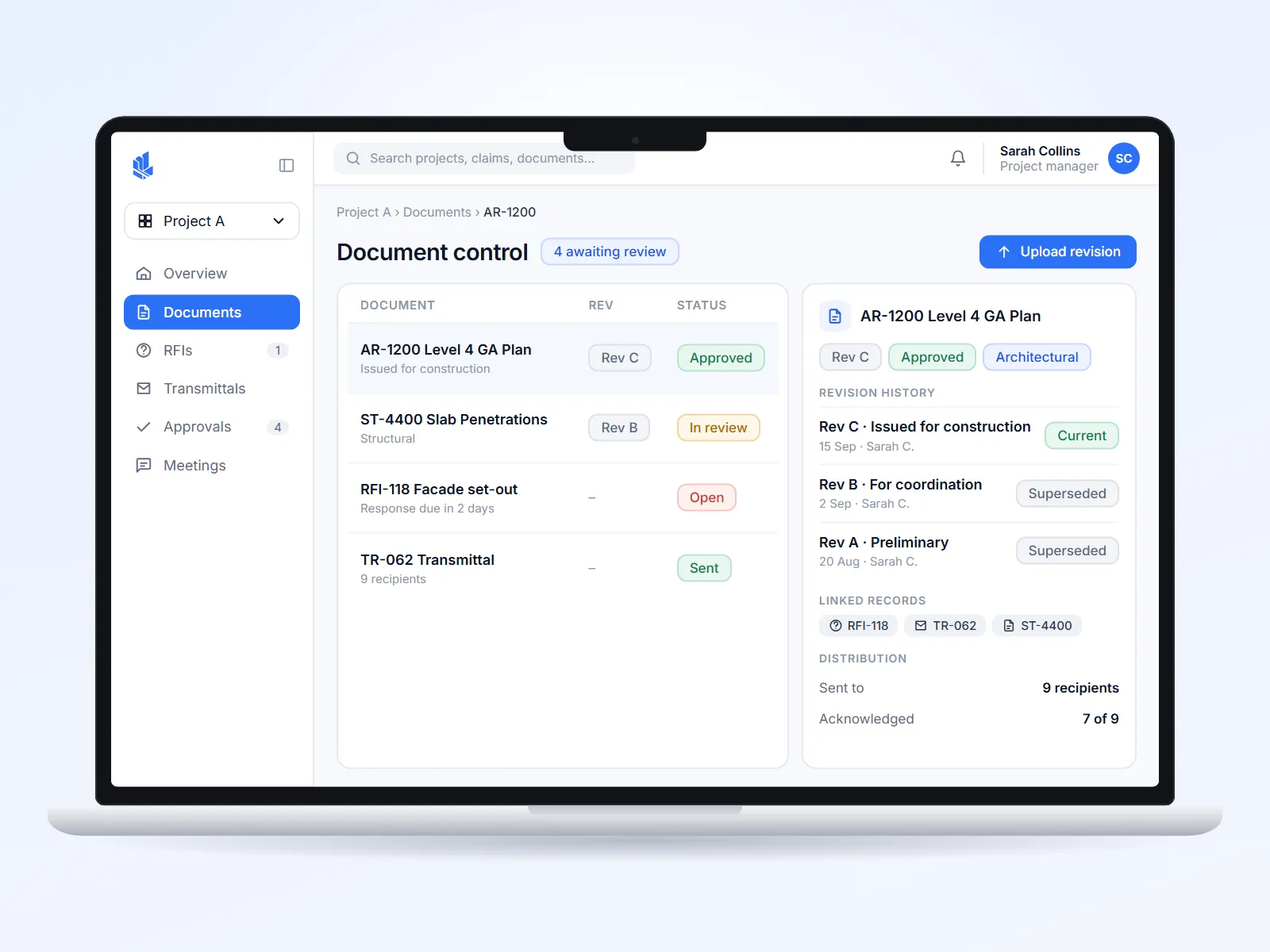 Document register · revision history
Capture decisions, actions and correspondence in context. Turn meetings and email into an accountable, searchable project history.
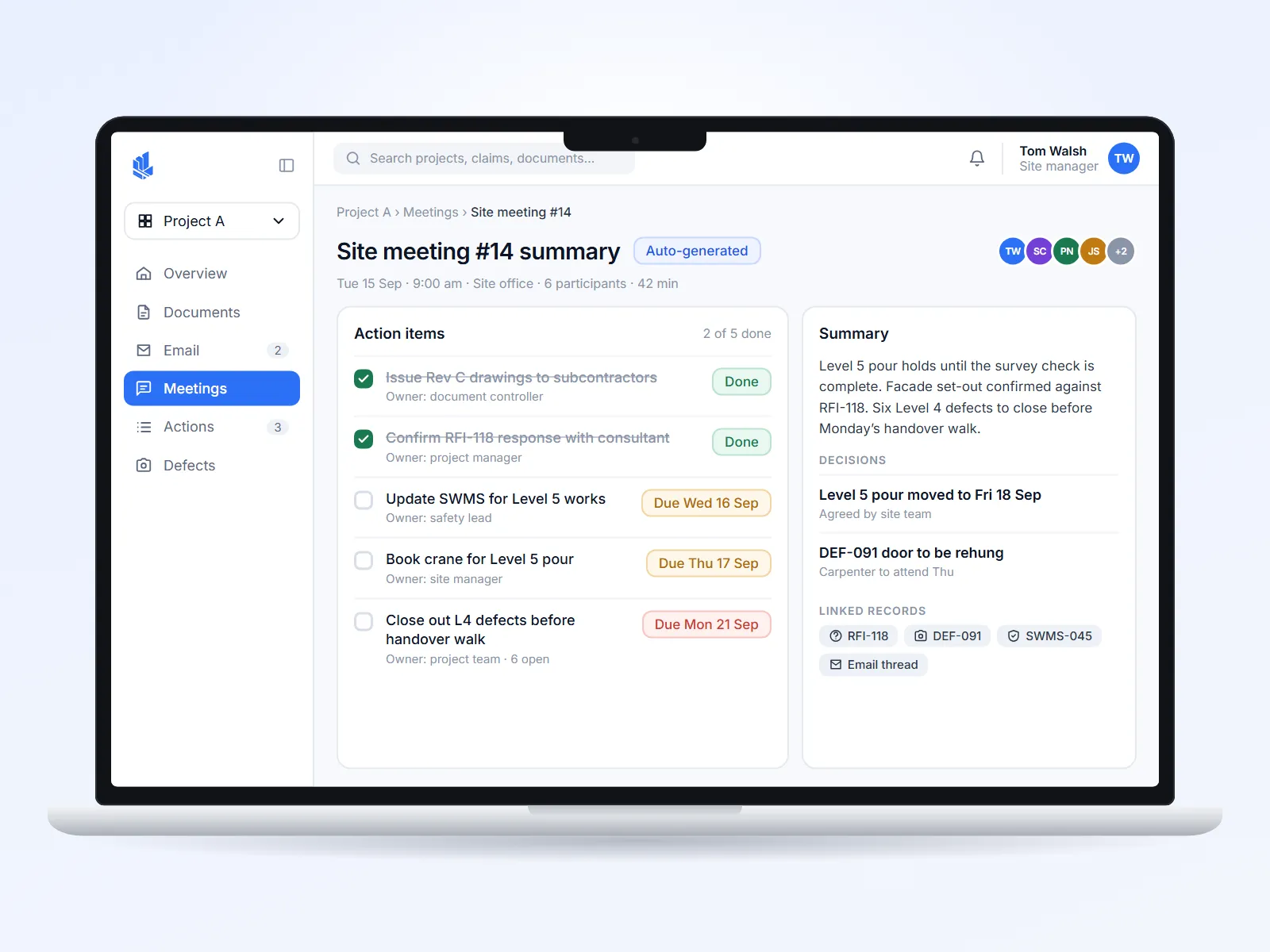 Site meeting #14 · auto-generated summary
Capture issues on site, assign responsibility, collect evidence and track every item through to closeout.
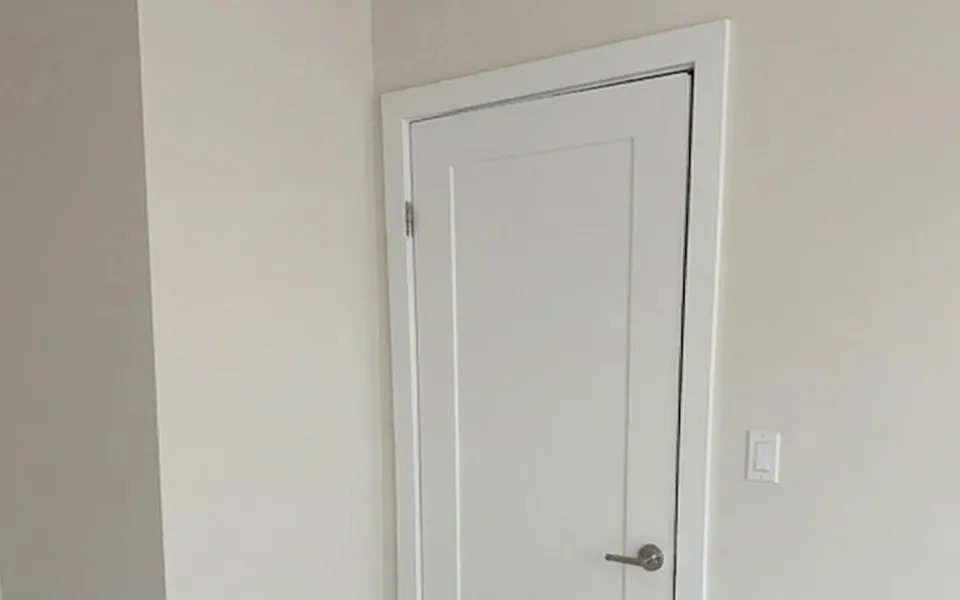 Captured on site · L4 / Grid C7
Manage claims, variations and retention with the evidence, approvals and audit trail attached.
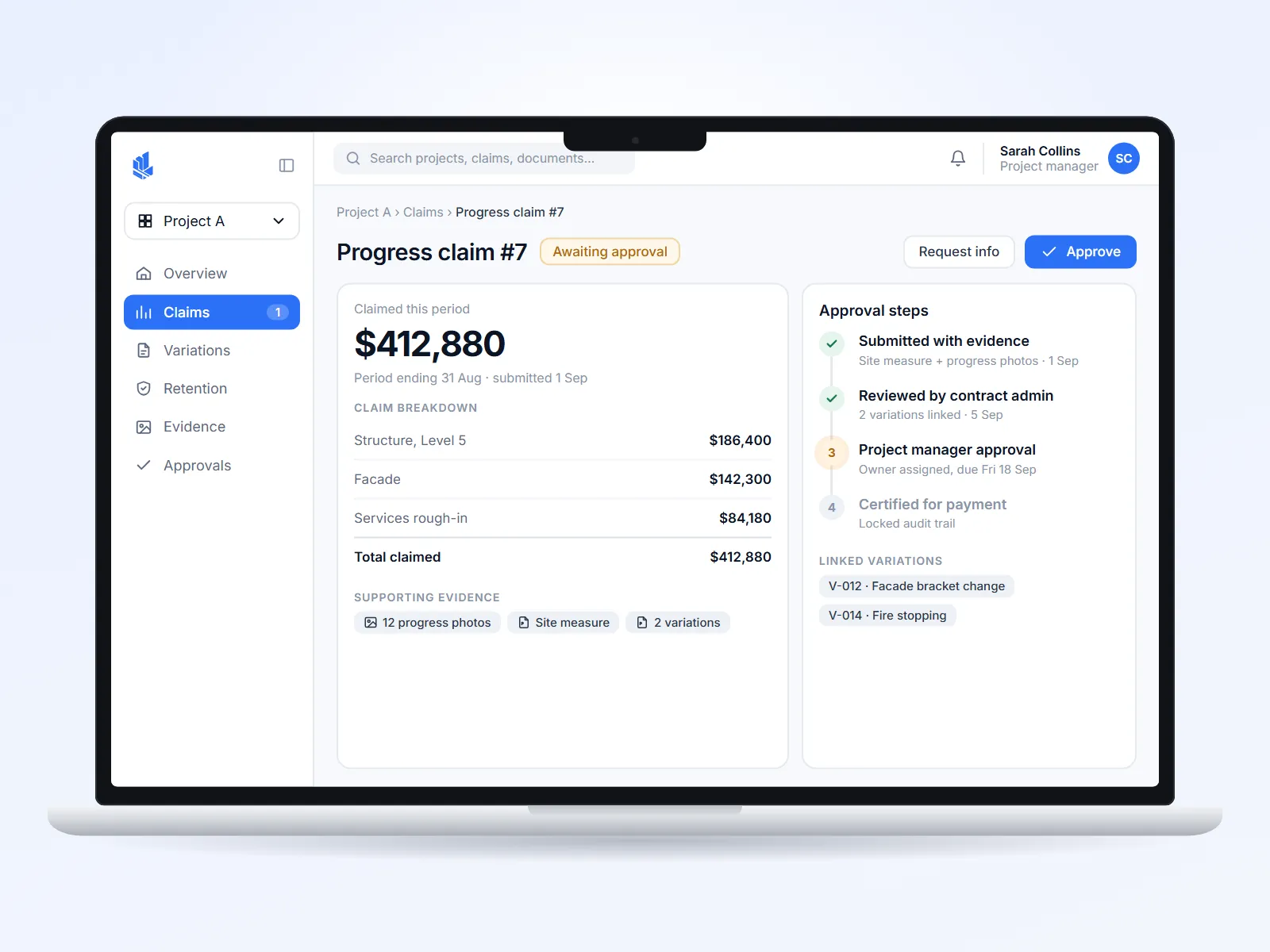 Progress claim #7 · approval steps
Give every role the right information, actions and permissions, without cluttering their view.
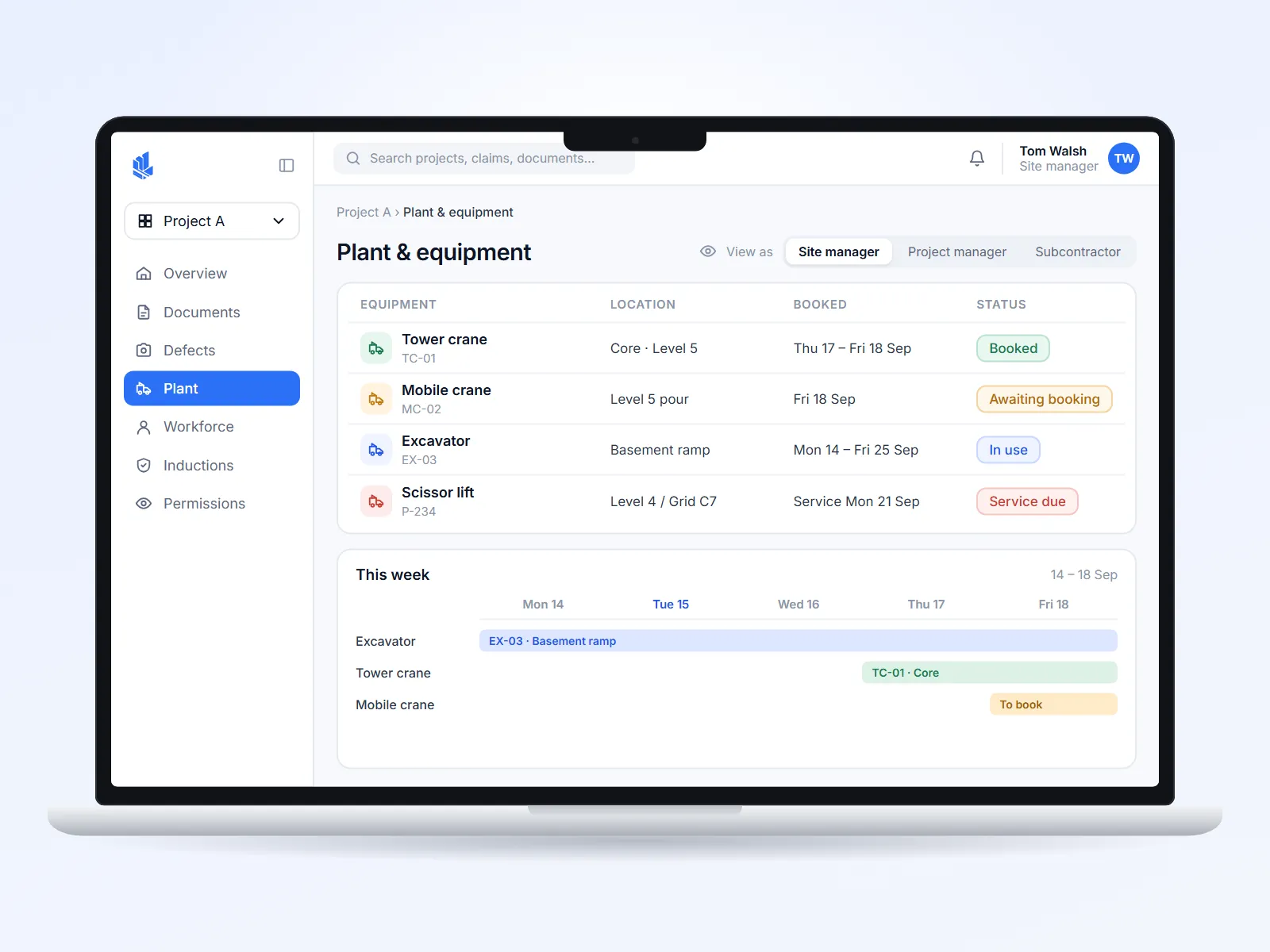 Plant bookings · view by role
Keep the action, owner, evidence and history together from capture to closeout.
Record issues, documents, requests, meetings and site updates with the right project context from the start.
Send work to the right person, company or workflow so responsibility is clear.
See linked files, evidence, comments, communication and related project records together.
Move work through reviews, approvals and decisions with a traceable history.
Monitor status, progress and blockers until the work is resolved and closed out.
Modules work from the same project information instead of isolated data.
Each stakeholder sees the actions and information relevant to their responsibility.
Photos, documents, emails and approvals remain attached to the records they support.
See status, risk and blockers without waiting for another spreadsheet or progress update.
BuildAxis is a construction management platform that connects project documents, communication, site activity, safety and commercial workflows. It gives project teams a shared record of what is happening, who owns the next action and what needs attention.
BuildAxis is designed for people across the construction project lifecycle, including builders, project managers, site managers, contract administrators, subcontractors, developers and directors. Access and workflows can be tailored to each role.
BuildAxis supports key construction workflows including document control, RFIs, defects, SWMS and safety, inductions, claims, variations, meetings, project communication, approvals, plant and project actions.
Yes. BuildAxis is designed to keep site and office teams connected to the same project information. Mobile-friendly workflows allow site teams to access relevant records, capture issues and respond to assigned actions while office teams manage the broader project workflow.
No. BuildAxis can be introduced around the workflows that matter most to your team first, with additional processes brought into the platform as your use of BuildAxis grows.
Implementation is shaped around the way your organisation works. We begin by understanding your current processes and priorities, configure the relevant workflows, support your team through rollout and continue to review how the platform is being used.
Absolutely. We offer personalised walkthroughs based on your team, projects and current workflows. The demo focuses on the parts of BuildAxis most relevant to the way your organisation works.
We will tailor the walkthrough around your team, responsibilities and current processes so you can see where BuildAxis fits.